Softbox vs Ring Light for Video Calls: 2026 Guide
Understanding Your Video Call Lighting Needs in 2026
The way we work has fundamentally changed, and video calls aren’t going anywhere. Whether you’re checking in with your team, pitching to clients, or interviewing for your next opportunity, how you look on camera directly impacts how people perceive your professionalism. That’s why investing in proper lighting isn’t just vanity—it’s a practical career move.
Why Dedicated Lighting Actually Matters
Your laptop’s built-in camera or even a decent standalone webcam can only do so much with poor lighting. You’ve probably noticed how colleagues with good lighting always seem more engaged and easier to focus on during meetings. That’s not accident—it’s physics. Proper lighting eliminates harsh shadows under your eyes, prevents that eerie “ghost glow” from your monitor, and helps your camera’s sensor capture a cleaner image with less digital noise.
The 4K Video Call Revolution
Here’s something that’s changed dramatically: video conferencing quality has skyrocketed. 4K video calls are now standard on most platforms, and the compression algorithms have gotten incredibly efficient. This is mostly good news—you’ll look sharper and more detailed than ever. But there’s a catch: better video quality also means your lighting setup (or lack thereof) becomes much more obvious. That flickering overhead fluorescent or the uneven window light? Your colleagues can now see every detail.
Your Room Setup Makes All the Difference
Before you buy anything, take stock of your actual workspace. Here’s what matters:
Natural Light Availability: Do you have a window in your office? Which direction does it face? Morning eastern light behaves very differently from afternoon western sun. If you’re flooded with natural light, you might need less powerful supplemental lighting. Working in a windowless basement? You’ll need a more robust solution.
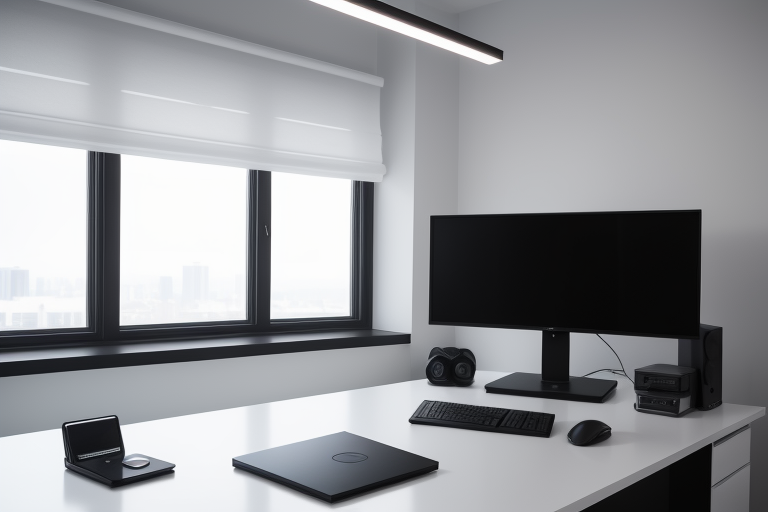
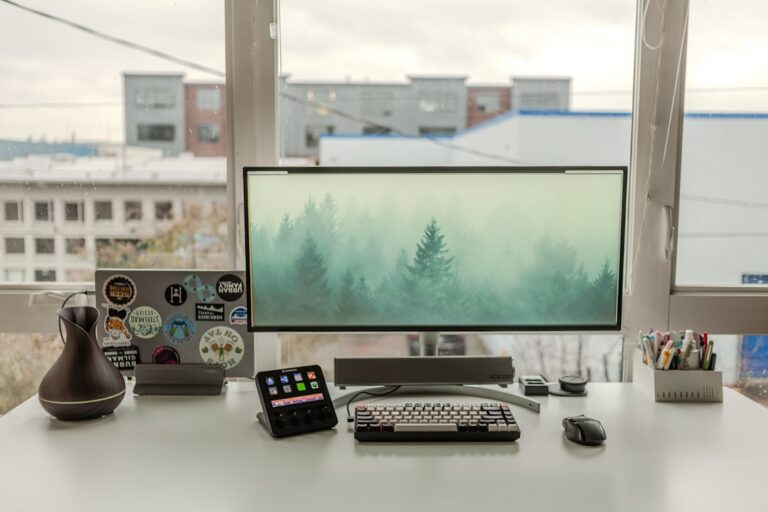
Desk Configuration: How much space do you actually have? A cramped corner desk might make a large softbox impractical, while a spacious L-shaped setup gives you more options. Measure your workspace before buying.
Background Distance: Sitting two feet from a wall creates different lighting challenges than having six feet of clearance behind you.
What Should You Actually Spend?
The good news: quality video call lighting has become remarkably affordable. Entry-level ring lights start around $30 and work fine for occasional calls. Mid-range options in the $80-150 range offer better color accuracy and durability. Professional-grade softbox lighting kits top out around $300+ but deliver studio-quality results.
Your budget should reflect how much you’re actually on camera. Five video calls a day? Invest more. Twice a week? The budget option will serve you well.
Works With What You Already Have
The best part about modern lighting solutions: they work with virtually any camera. Whether you’re using your MacBook’s FaceTime camera, a dedicated 4K webcam, or even your smartphone on a tripod, proper lighting improves your image quality immediately. No special software or technical expertise required—just position it, turn it on, and you’re good to go.