Projector vs Monitor for Home Office: 2026 Comparison
Understanding the Fundamentals: How Projectors and Monitors Differ for Office Work
When you’re setting up a home office, choosing between a projector and monitor isn’t just about screen size—it’s about understanding how these technologies fundamentally differ and affect your daily work experience.
Direct vs Projected Light: What It Means for Your Eyes
Monitors emit light directly into your eyes, similar to your phone or tablet. This direct emission means consistent brightness, but it can contribute to eye fatigue during long workdays. The blue light exposure from monitors is something you’ll definitely notice after an 8-hour stretch.
Projectors work differently—they bounce light off a screen or wall before it reaches your eyes. This reflected light is generally softer and less fatiguing, similar to reading a physical book. Many home office workers report less eye strain with projectors, though you’ll need proper ambient lighting to maintain comfort. A quality option like the BenQ HT2060 Home Theater Projector offers excellent color accuracy for extended viewing sessions.
Screen Size: The Biggest Practical Difference
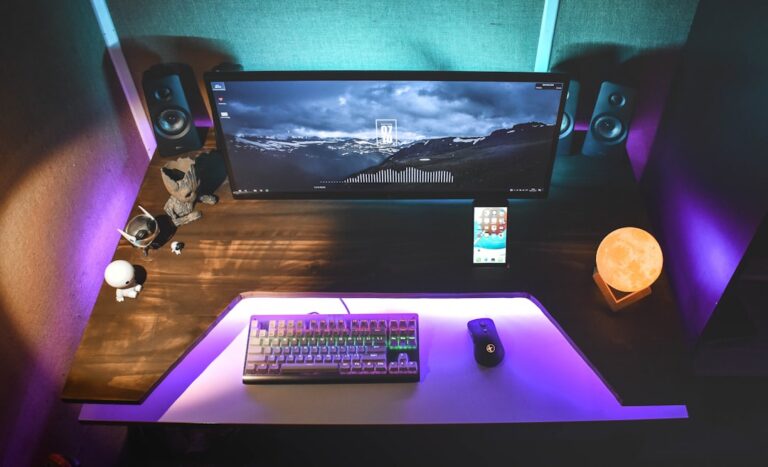
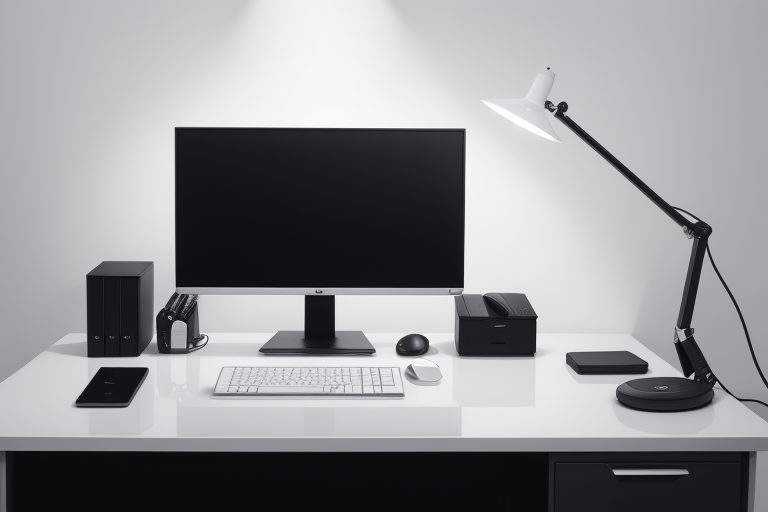
Monitors typically range from 24 to 49 inches, with 27-32 inches being the sweet spot for most home offices. The Dell UltraSharp U2723DE 27-inch Monitor represents this category well, offering sharp text and consistent performance.
Projectors start where monitors end—think 60 inches minimum, scaling up to 300+ inches if you have the space. This massive size advantage is perfect for presentations or reviewing large spreadsheets, but it requires dedicated wall space and proper room setup.
Resolution Reality Check
A 4K monitor delivers crisp, native pixels at arm’s length. What you see is exactly what the panel produces—no interpretation needed. Text remains razor-sharp even at small font sizes.
Projectors display that same 4K resolution across a much larger area, spreading those pixels out. At typical viewing distances (8-12 feet), a quality projector still looks excellent, but you’ll notice the difference if you sit closer. For spreadsheets and detailed document work, this matters more than for presentations or video calls.
The Ambient Light Challenge
Here’s where monitors shine—literally. They work perfectly fine in bright daylight, next to windows, or under overhead lights. You can work at any time without adjusting your environment.
Projectors need controlled lighting to perform well. Bright sunlight washes out the image, making daytime productivity challenging without curtains or shades. Newer laser projectors handle ambient light better than traditional lamp-based models, but they still can’t match a monitor’s daylight performance.
Response Time for Real-Time Work
For video calls and collaborative software, input lag matters. Modern monitors typically offer 1-5ms response times with 60-165Hz refresh rates—perfect for smooth cursor movement and real-time screen sharing.
Most projectors sit at 16-30ms input lag with 60Hz refresh rates. You probably won’t notice this during presentations, but fast-paced collaboration or screen annotation feels slightly less responsive. Gaming-focused projectors improve these numbers but cost significantly more.
The LG 32UN880-B UltraFine Display Ergo exemplifies monitor responsiveness with excellent ergonomic adjustments for all-day comfort.