Best Soundbar for Computer Monitor Under $100 (2026 Guide)
Why Your Monitor Deserves a Dedicated Soundbar
Let’s be honest—your monitor’s built-in speakers are terrible. Most monitors ship with 2-5 watt speakers that sound like someone talking through a tin can. They lack any meaningful bass, distort at higher volumes, and make your favorite music sound like it’s playing from a phone speaker circa 2010. If you’ve been tolerating that tinny, flat sound, you’re missing out on what your content actually sounds like.
The Desktop Speaker Problem
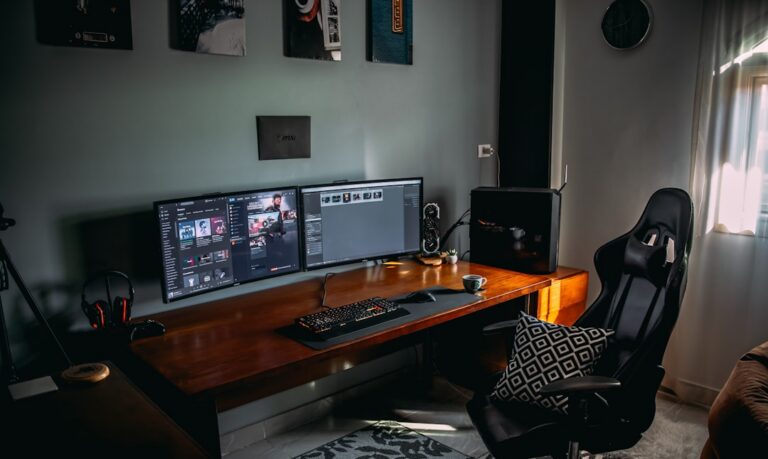
You might think the solution is a pair of desktop speakers, and sure, that works. But here’s the catch: they eat up your desk space. If you’re working with a typical desk setup, you’ve already got your monitor, keyboard, mouse, maybe a notebook, your coffee mug, and whatever else you need within arm’s reach. Adding two speakers plus a subwoofer (if you want decent bass) quickly turns your workspace into a cramped mess.
Then there’s the wire management nightmare. Desktop speakers need power cables, audio cables connecting them to each other and your computer, and suddenly you’re looking at a tangle of cords running across your desk. It’s not the clean, minimalist setup most of us want.
The Space-Saving Solution
This is where soundbars shine. A dedicated soundbar mounts directly under your monitor—either sitting on your desk or attached to the monitor’s stand. The entire audio system is contained in one sleek bar, usually 16-24 inches wide. No satellites to position, no subwoofer to hide under your desk, no multiple power adapters cluttering your power strip.
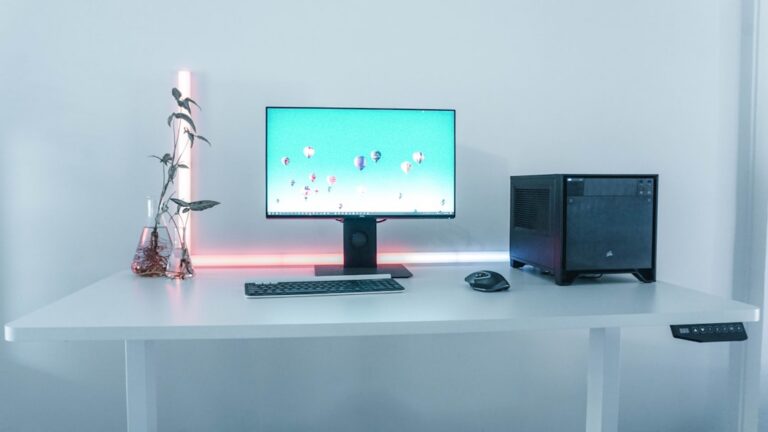
The result? Your desk stays clean and organized. You get back that valuable real estate for actual work (or more importantly, that coffee mug you keep knocking over). Most soundbars connect with a single USB cable or one 3.5mm audio jack, making wire management dead simple.
Real Audio Power Under $100
Here’s where things get interesting. Budget soundbars in the under-$100 range typically deliver 10-20 watts of total output. That might not sound like much compared to home theater systems, but it’s 3-4 times more powerful than your monitor’s anemic speakers. More importantly, these soundbars include dedicated drivers—separate speakers for mids, highs, and yes, actual bass response.
You’ll notice the difference immediately. Explosions in games have punch. Music has depth and clarity. Video calls sound professional instead of like you’re talking from inside a tunnel.
Where Soundbars Excel
A computer soundbar isn’t trying to replace your home theater system, and that’s fine. What it does well is cover everything you do at your desk:
- Work calls: Clear voice reproduction means clients and coworkers can actually hear you properly
- Casual gaming: Directional audio cues and satisfying effects without headphone fatigue
- Music streaming: Enough fidelity to enjoy your playlists while working
- YouTube and streaming: Dialogue comes through clear, and you’ll catch details you’ve been missing
For most people spending 8+ hours a day at their computer, that’s exactly what you need. Not audiophile perfection, but a massive upgrade that doesn’t break the bank or clutter your workspace.