Best KVM Switch for Two Computers: 2026 Buyer’s Guide
What is a KVM Switch and Why You Need One for Two Computers
A KVM switch is a hardware device that lets you control multiple computers using just one keyboard, video display (monitor), and mouse. The acronym literally stands for Keyboard, Video, Mouse. Instead of cluttering your desk with two complete sets of peripherals, you simply press a button or use a keyboard shortcut to switch between your computers instantly.
Real-World Scenarios Where a KVM Switch Makes Sense
Home Office with Work and Personal Computers
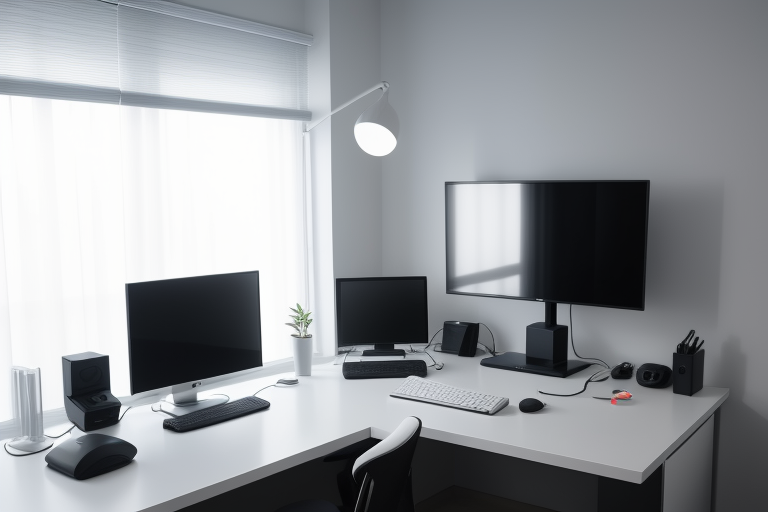
If you’re working from home, you probably have a company laptop alongside your personal desktop. With a KVM switch, you can use your favorite mechanical keyboard, high-end monitor, and precision mouse for both machines. When the workday ends, just hit the switch and you’re on your personal computer without unplugging a single cable.
Gaming and Productivity Setup
Many people maintain a dedicated gaming PC and a separate work machine. A KVM switch lets you use your gaming monitor and keyboard for both systems. You can respond to work emails during the day, then switch to your gaming rig in the evening—all without the hassle of swapping HDMI cables behind your desk.
Desktop and Laptop Combination
Maybe you have a powerful desktop for heavy tasks and a laptop for mobility. When you’re at your desk, a KVM switch gives your laptop access to your full-sized monitor, proper keyboard, and desktop mouse. You get the best of both worlds: desktop comfort when you’re home and portability when you need it.
The Money and Space You’ll Save
Let’s do some quick math. A quality monitor costs $200-500, a good keyboard runs $50-150, and a decent mouse is another $30-100. Multiply that by two setups and you’re looking at $560-1,300 in duplicate peripherals. A solid KVM switch costs $50-200—the savings are obvious.
Beyond money, consider your desk real estate. Two keyboards, two mice, and two monitors eat up serious space. With a KVM switch, you reclaim that area for notebooks, coffee, or simply having room to breathe.
Productivity Without the Cable Gymnastics
Anyone who’s crawled under their desk to swap HDMI cables knows the frustration. You’re interrupting your workflow, dealing with tight cable connections, and maybe bumping your head in the process. With a KVM switch, changing computers takes one second.
Modern KVM switches offer three main switching methods:
- Button-press switching: Physical button on the device—simple and reliable
- Hotkey commands: Keyboard shortcuts like pressing Scroll Lock twice, then a number—great when the switch isn’t within arm’s reach
- Auto-switching: Some models detect which computer is active and switch automatically, though this feature can be finicky depending on the model
The seamless switching means you can monitor a render or download on one computer while working on the other, jumping between them as needed without breaking your concentration.
Whether you’re juggling work responsibilities with personal projects, maintaining separate gaming and productivity rigs, or just want the flexibility of multiple computers without multiple peripherals, a KVM switch is a practical solution that pays for itself quickly.