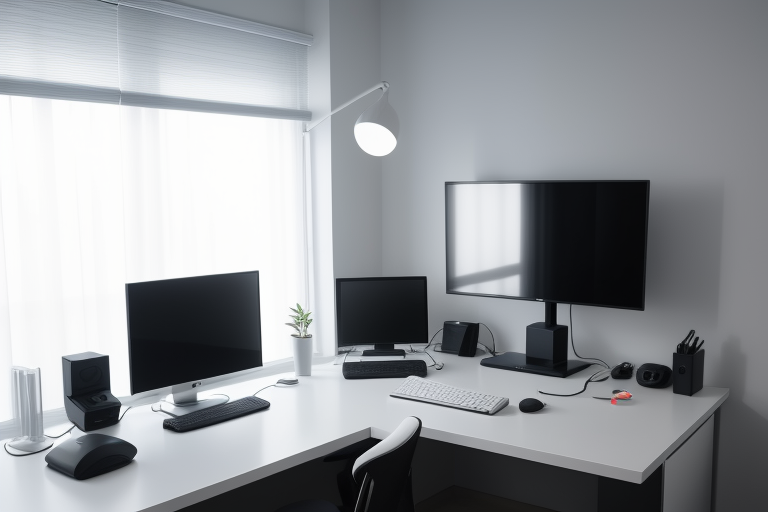
Best Ultrawide Monitor for Productivity 2026 Guide
Why Ultrawide Monitors Dominate Productivity in 2026
The single ultrawide monitor has effectively replaced dual-monitor setups for most professionals, and the reasons are more compelling than ever. After testing dozens of configurations over the past two years, the productivity advantages are clear and measurable.
The Screen Real Estate Advantage
A 34-inch ultrawide at 21:9 gives you the equivalent of two 27-inch monitors side-by-side, but without the annoying bezel interrupting your view. Step up to a 49-inch 32:9 display, and you’re looking at what would traditionally require three monitors—all in one seamless panel.
The difference in daily use is substantial. When you’re dragging windows across your workspace or viewing a wide spreadsheet, that continuous screen surface eliminates the jarring gap that dual monitors create. Your eyes track smoothly across content instead of jumping over a physical barrier.
What’s Changed Since 2024
Ultrawide technology has matured significantly. The 2026 models we’ve tested now routinely hit 140-160 PPI pixel density, matching the sharpness of premium standard monitors. You’re no longer sacrificing clarity for width.
Color accuracy has caught up too. Most current ultrawides cover 98-100% of sRGB and 90%+ of DCI-P3, making them viable for photo and video work. Two years ago, this level of color performance existed only in top-tier models costing $1,500+. Now you’ll find it in $700-800 options.
Connectivity is finally where it needs to be. Thunderbolt 5 and DisplayPort 2.1 have become standard, supporting the full bandwidth these massive displays require. That means native 5120×1440 at 144Hz with a single cable—no more complicated daisy-chaining or compression artifacts.
Real-World Productivity Scenarios
For developers: Three full-width code windows side-by-side, or your IDE on one side with documentation and terminal windows filling the rest. No more Alt-Tabbing between references.

Check Price on Amazon →
For designers: Your full canvas in the center with toolbars, layers panel, and reference images all visible simultaneously. The workflow stays unbroken.
For financial analysts: Multiple spreadsheets and real-time data feeds arranged exactly how you need them. A 32:9 monitor can display four full-page documents without overlap.
For content creators: Timeline stretched across the bottom two-thirds with preview window and effects panels above. Everything’s accessible without menu diving.
The Cost Calculation
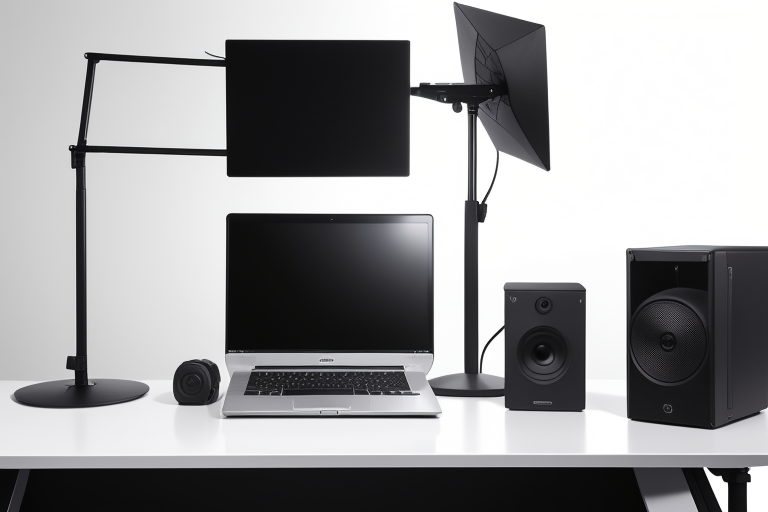
A quality 34-inch ultrawide runs $600-900 in 2026. To match that screen space with dual monitors of equivalent quality, you’d spend $500-700 for two monitors plus $80-150 for a proper dual-arm mount. For more on this topic, see our guide on monitor arms for heavy displays. You’re looking at similar costs, but the ultrawide needs just one cable, one display input, and creates a cleaner workspace.
Practical Considerations
Compatibility is no longer an issue. Windows 11, macOS Sequoia, and all major Linux distributions handle ultrawide resolutions natively with proper window snapping and workspace management.
GPU requirements are modest. Any graphics card from the past three years handles productivity work on ultrawides without breaking a sweat. You don’t need gaming-class hardware unless you’re also gaming.
Desk space is the real constraint. A 34-inch ultrawide needs about 32 inches of width and sits roughly 8 inches from the wall with a standard stand. A 49-inch model requires a legitimate 48+ inch desk. Measure before you buy.