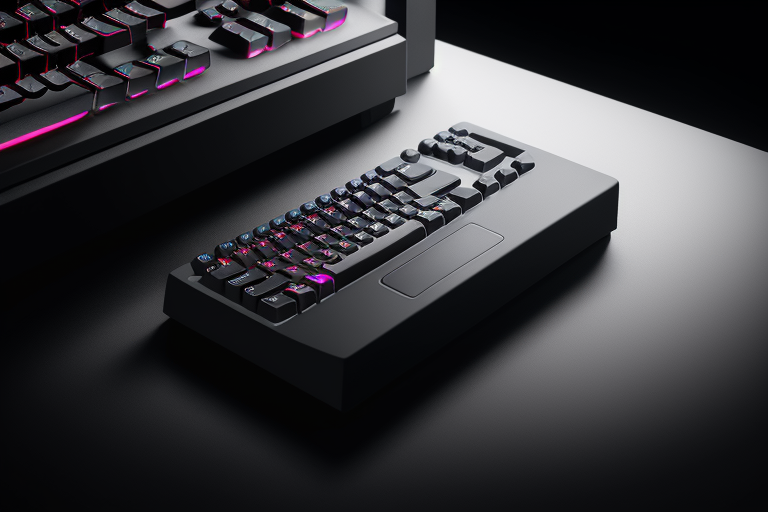
Best Mechanical Keyboard Wrist Rest Full Size Guide
Why Full-Size Mechanical Keyboards Need Dedicated Wrist Rests
If you’ve recently switched to a full-size mechanical keyboard, you might have noticed your wrists feeling tired or sore after a few hours of typing. This isn’t just in your head—there are real ergonomic challenges that come with these larger keyboards.
The Size Problem Creates Distance Issues
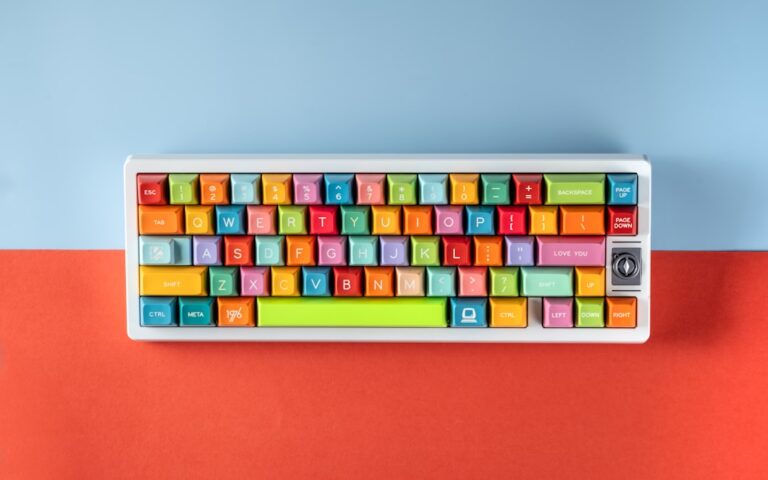
Full-size mechanical keyboards are substantial pieces of equipment. With their 104-108 keys spread across 17-18 inches of desk space, your hands need to travel farther and maintain awkward positions for extended periods. Unlike compact 60% or tenkeyless keyboards, full-size boards push your mouse hand farther to the right, forcing your shoulders into a wider stance that can create tension throughout your upper body.
The real issue starts at your wrists. For more on this topic, see our guide on wrist rests for keyboards. Without proper support, they’re either hovering in mid-air during typing sessions or resting at sharp angles against your desk edge. Neither position is sustainable for long-term comfort.
Height Compounds the Problem
Mechanical keyboards sit noticeably higher than membrane keyboards. Most mechanical boards measure between 0.9 to 1.5 inches in profile height, depending on the case design and keycap style. When you factor in standard desk heights of 28-30 inches, your wrists end up bent upward at uncomfortable angles just to reach the home row.
This upward bend—called wrist extension—puts constant pressure on the tendons and nerves running through your wrist. During an eight-hour workday, this position becomes genuinely harmful.
The Health Risks Are Real
Medical professionals consistently link unsupported typing to several conditions:
- Carpal tunnel syndrome: Pressure on the median nerve causes numbness, tingling, and pain in your thumb and first three fingers
- Repetitive strain injury (RSI): Damage to muscles, tendons, and nerves from repetitive motions
- Ulnar nerve compression: Creates numbness in your pinky and ring finger, often called “cubital tunnel syndrome”
These aren’t just minor annoyances—they can require surgery and cause permanent damage if left unaddressed.

Check Price on Amazon →
Mechanical Switches Add Extra Strain
Here’s something many people overlook: mechanical switches require more deliberate force than membrane keyboards. Depending on your switch choice, you’re pushing through 45-80 grams of actuation force with every keystroke. Cherry MX Blues need about 60g, while stiffer switches like Cherry MX Greens require 80g.
Multiply that force by thousands of keystrokes per day, and your unsupported wrists are absorbing significant repetitive stress. A wrist rest distributes this load more evenly and maintains neutral wrist alignment, reducing the cumulative damage.
Finding the Right Wrist Rest for Your Budget
The good news? Wrist rests come at every price point:
Budget options ($15-25): Basic memory foam or gel-filled rests provide essential cushioning. These work fine for casual users and offer immediate relief from hard desk surfaces.
Mid-range options ($30-60): Premium materials like genuine leather, dense memory foam, or wooden rests with fabric covering. These last longer, maintain their shape better, and often match your keyboard’s aesthetic.
Premium options ($80+): Custom ergonomic designs with scientifically-tested angles, cooling gel layers, or artisan wood construction. These are investments for people who spend 6+ hours daily at their keyboards.
The right choice depends on your usage, but even a basic wrist rest dramatically improves comfort over going without one.