RGB Desk Pad Extended Mouse Pad Gaming: Key Differences
What Makes RGB Extended Mouse Pads Different from Standard Desk Mats
If you’ve been eyeing those glowing desk pads at your local electronics store, you might wonder what actually separates them from a regular desk mat. Let’s break down the key differences that matter for your setup.
Size and Coverage
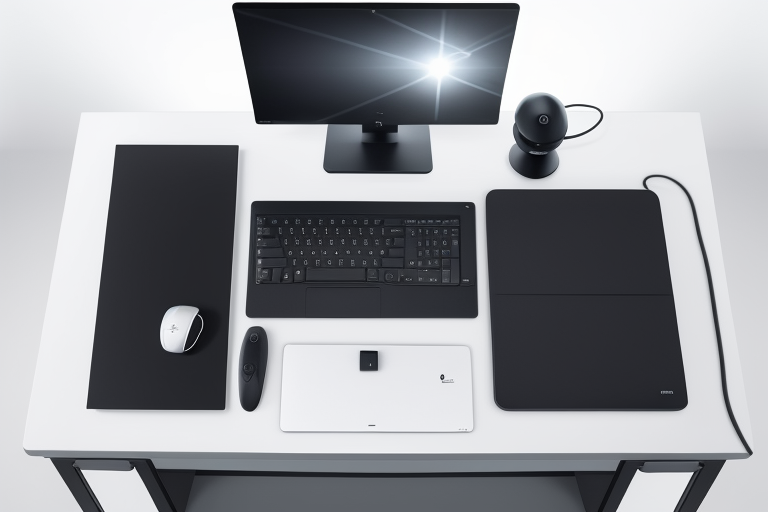
RGB extended mouse pads typically measure between 800x300mm to 900x400mm, though you’ll find variations going up to 1200mm wide for ultra-wide desk setups. Compare this to standard mouse pads that rarely exceed 450x400mm, and you’ll see why these are called “extended.” The extra real estate means your keyboard, mouse, and even your phone can all sit on the same surface. The Razer Goliathus Extended Chroma, for instance, comes in at 920x294mm – plenty of room for a full-size mechanical keyboard and sweeping mouse movements.
RGB Lighting: Not All Glow Is Created Equal
The lighting technology is where things get interesting. You’ll encounter two main types:
Edge-lit RGB uses LED strips running along the perimeter of the pad. The SteelSeries QcK Prism series takes this approach, creating a halo effect around your desk setup. It’s energy-efficient and doesn’t interfere with mouse tracking.
Full surface illumination embeds LEDs throughout the entire pad, like the Corsair MM700. This creates more dramatic lighting effects and multiple color zones, but adds thickness and can generate slight heat during extended use.

Check Price on Amazon →
Most RGB pads connect via USB and offer software control for customizing colors, effects, and brightness levels.
Surface Materials That Actually Matter
The surface texture affects how your mouse glides, regardless of how pretty the lights are:
- Micro-textured cloth (most common) provides controlled friction that works well with both optical and laser mice. The HyperX Fury Ultra uses this approach with a tightly woven fabric that resists fraying.
- Hard polymer surfaces like those on the Razer Firefly V2 offer minimal resistance for lightning-fast swipes. They’re easier to clean but can feel slippery during precise aiming.
- Hybrid surfaces combine a smooth glide zone with textured areas. These are less common but appeal to users who switch between gaming and productivity work.
Power and Cable Management
Unlike regular desk mats, RGB versions need power. Most use a single USB cable that handles both power and RGB control. Budget models like the Havit RGB pad use simple USB-A connections, while premium options like the ASUS ROG Balteus include USB pass-through ports so you’re not losing a USB slot.
Cable length matters too – look for at least 1.8 meters if your PC sits on the floor or far from your desk.
What You’ll Actually Pay
The RGB feature commands a premium:
- Budget tier ($15-25): Basic edge lighting, cloth surface, limited customization. Think generic Amazon brands or the Redragon P025.
- Mid-range ($25-45): Better build quality, software control, multiple lighting zones. The Corsair MM700 and SteelSeries QcK Prism fall here.
- Premium ($45-80+): Full surface RGB, premium materials, advanced features like wireless charging integration. The ASUS ROG Balteus Qi exemplifies this category.
A standard desk mat costs $10-20, so you’re essentially paying $10-30 extra for the RGB functionality.